Client
CLI Reference
Practical reference for currently available `ckc` commands.
CLI Reference
Base syntax:
ckc [global flags] <command> [subcommand] [flags]Global flags:
-D, --debug-B, --banner
ckc login
Login and shared config sync.
Flags:
-u, --username-P, --password(required)-H, --host-p, --port
Note:
-H/-pupdate and persist local config during login; https is still configured viackc config edit.
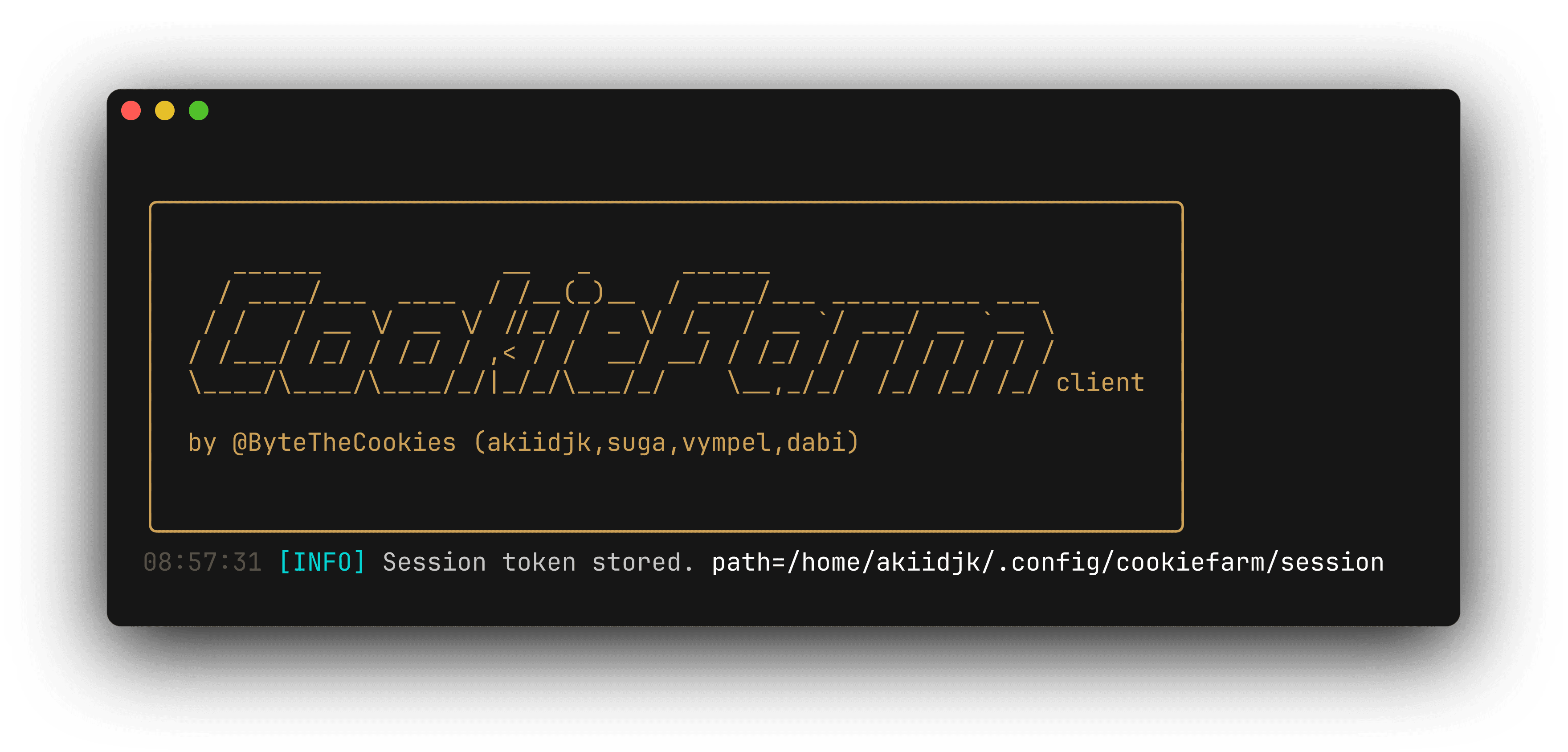
ckc logout
Removes local session.
ckc config
ckc config edit
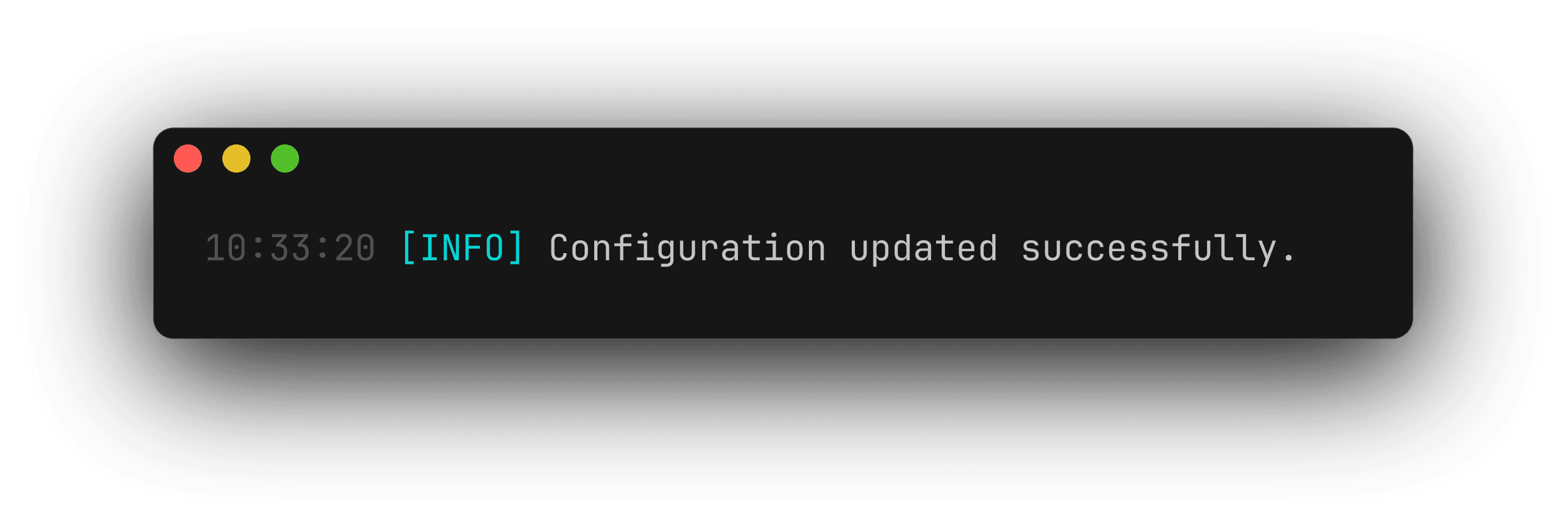
Updates client.yml.
Flags:
-H, --host-p, --port-u, --username-s, --https
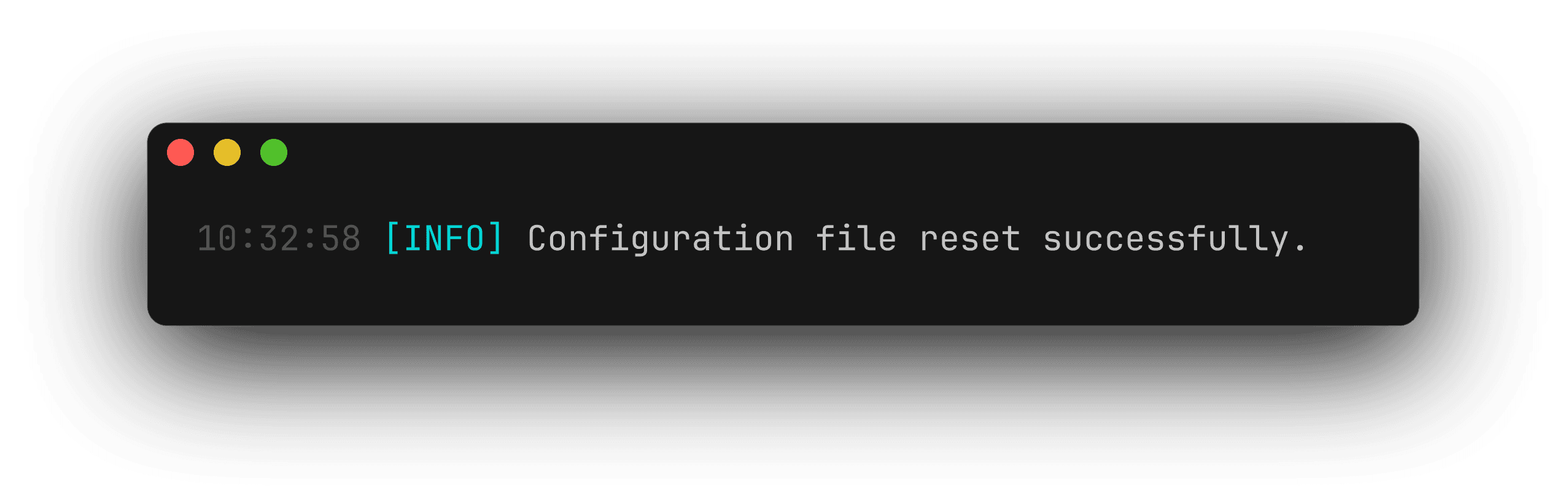
ckc config reset
Resets local config to defaults.
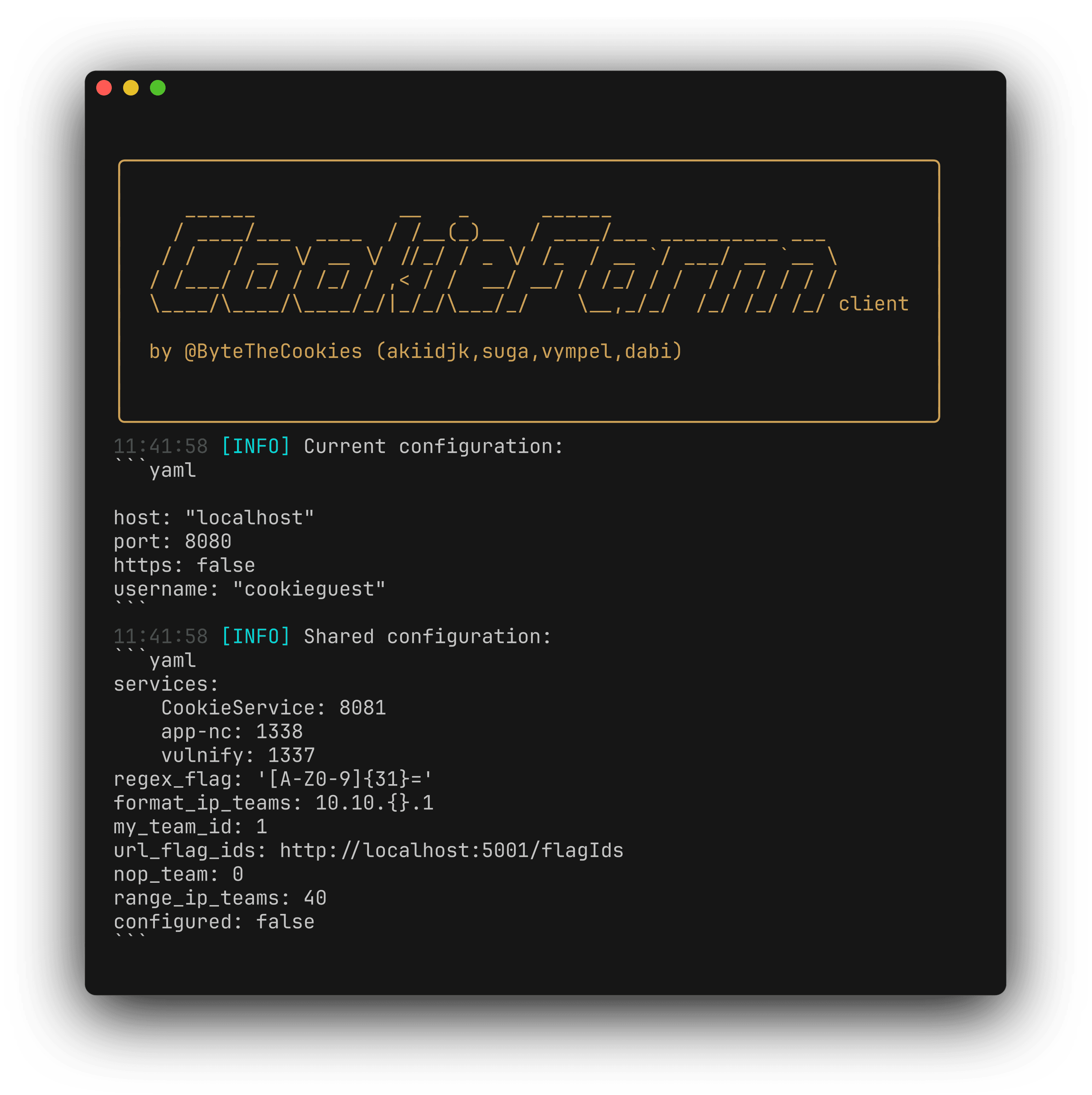
ckc config show
Prints client.yml and shared.yml.
ckc exploit
ckc exploit create
Creates Python exploit template.
Flags:
-n, --name(required)

ckc exploit remove
Removes exploit template.
Flags:
-n, --name(required)

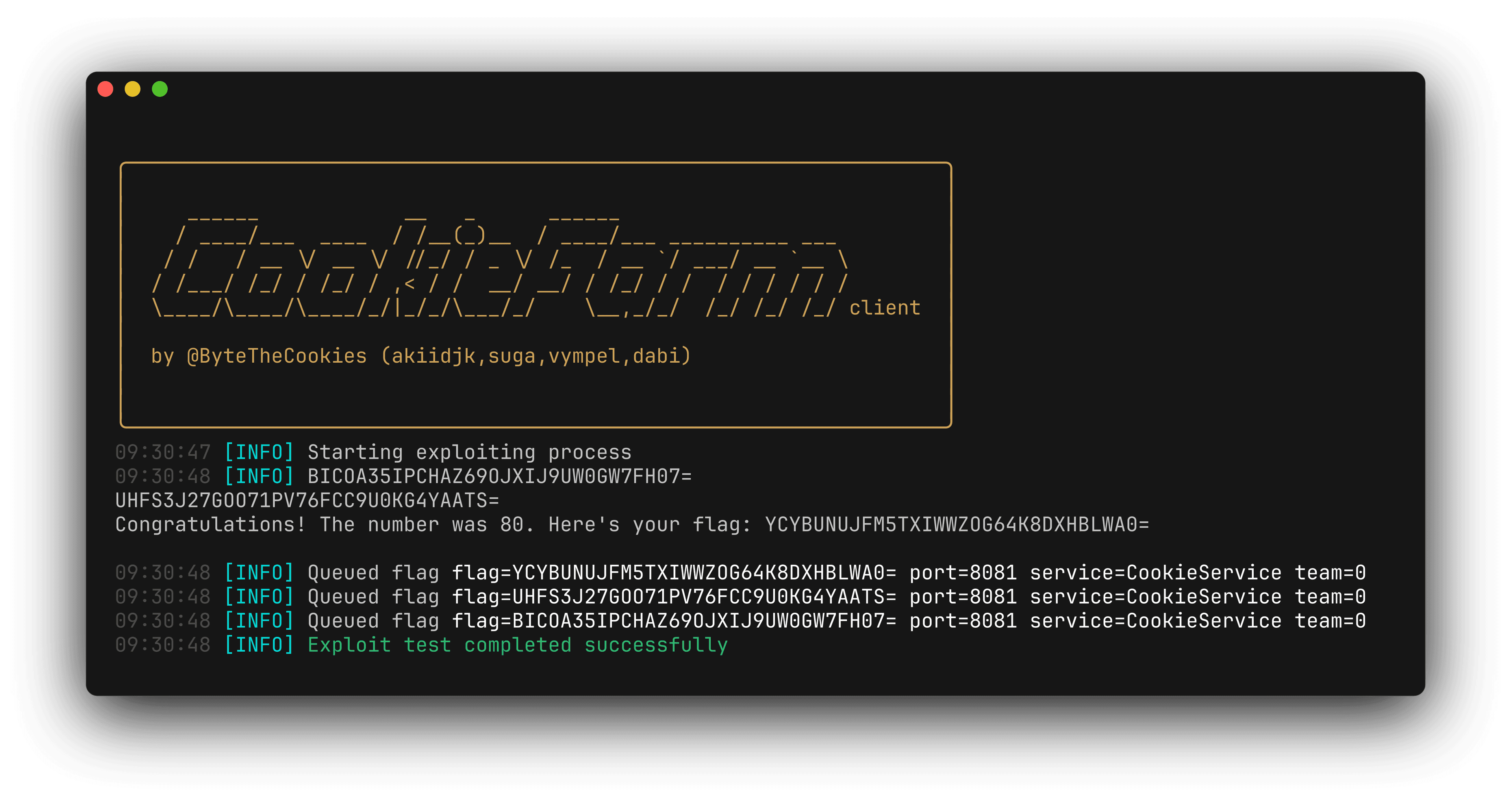
ckc exploit test
Runs exploit in test mode (-x at Python runtime), typically against NOP team.
Flags:
-e, --exploit(required)-n, --name-d, --detach-t, --tick(default120)-W, --workers_number(default5)
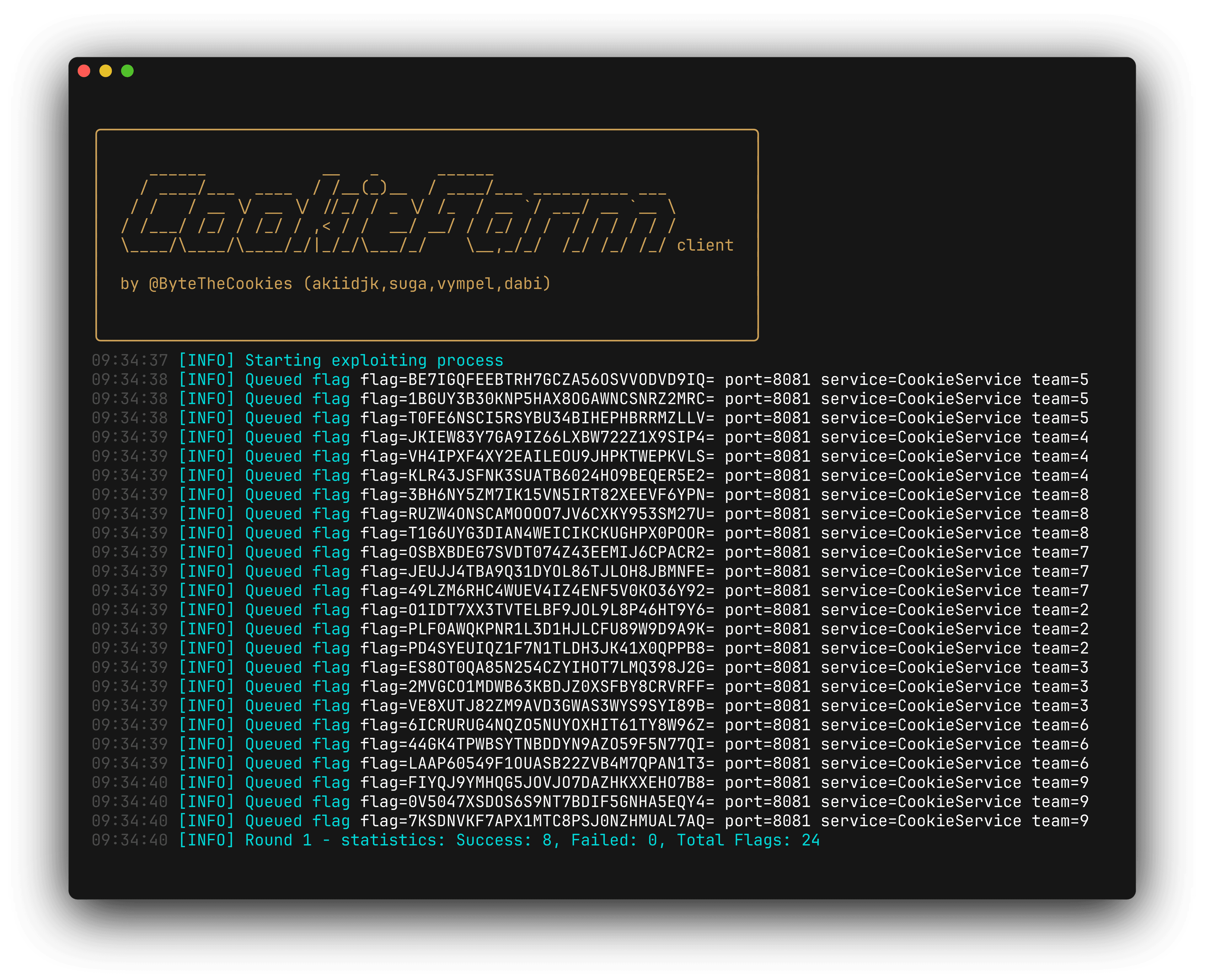
ckc exploit run
Runs exploit in continuous loop.
Flags:
-e, --exploit(required)-n, --name-d, --detach-t, --tick(default120)-W, --workers_number(default5)-S, --submit(direct HTTP submit)-P, --process_mode(default usingmulti-threading)
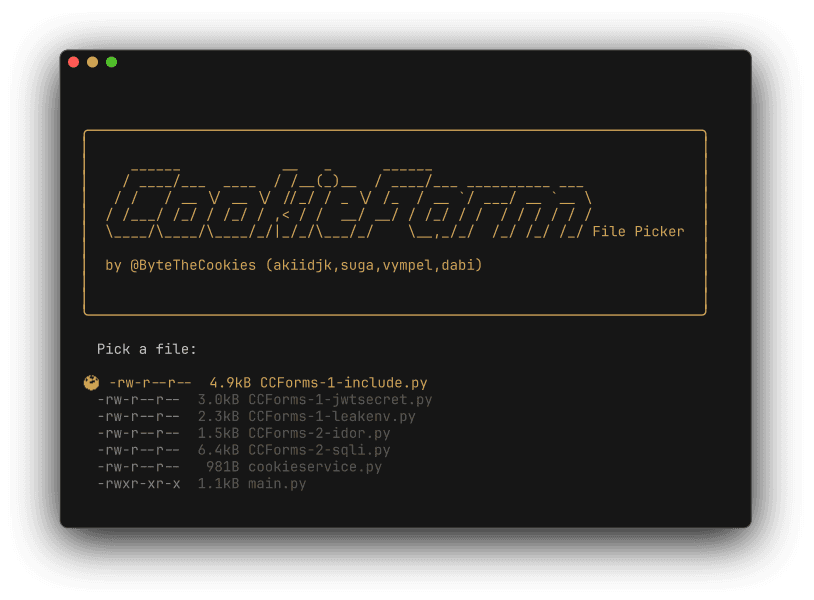
ckc exploit list
Lists local exploit templates in ~/.config/cookiefarm/exploits.
ckc exploit listrun
Lists currently running exploits with PID and name.
ckc exploit stop
Stops exploit by PID.
Flags:
-p, --pid(required)
ckc exploit submit
Manual single-flag submit.
Flags:
-f, --flag(required)-n, --name-t, --team-m, --message
Quick Examples
# Login
ckc config edit -H 127.0.0.1 -p 8080 -u team01
ckc login -u team01 -P SuperSecret

# Create template
ckc exploit create -n web_sqli

# Test exploit
ckc exploit test -e web_sqli -n CookieService -t 30 -W 10

# Run exploit continuously
ckc exploit run -e web_sqli -n CookieService -t 60 -W 20
How is this guide?