Dashboard
Dashboard Overview
CookieFarm dashboard overview covering the Dashboard, Flags, Charts, and Config views.
Dashboard Overview
The current dashboard is a modern React Single Page Application (SPA) focused on flag operations, monitoring, and runtime configuration.
Main entry point: / (Dashboard).
Core Views
The UI is split into several dedicated views:
- Dashboard (
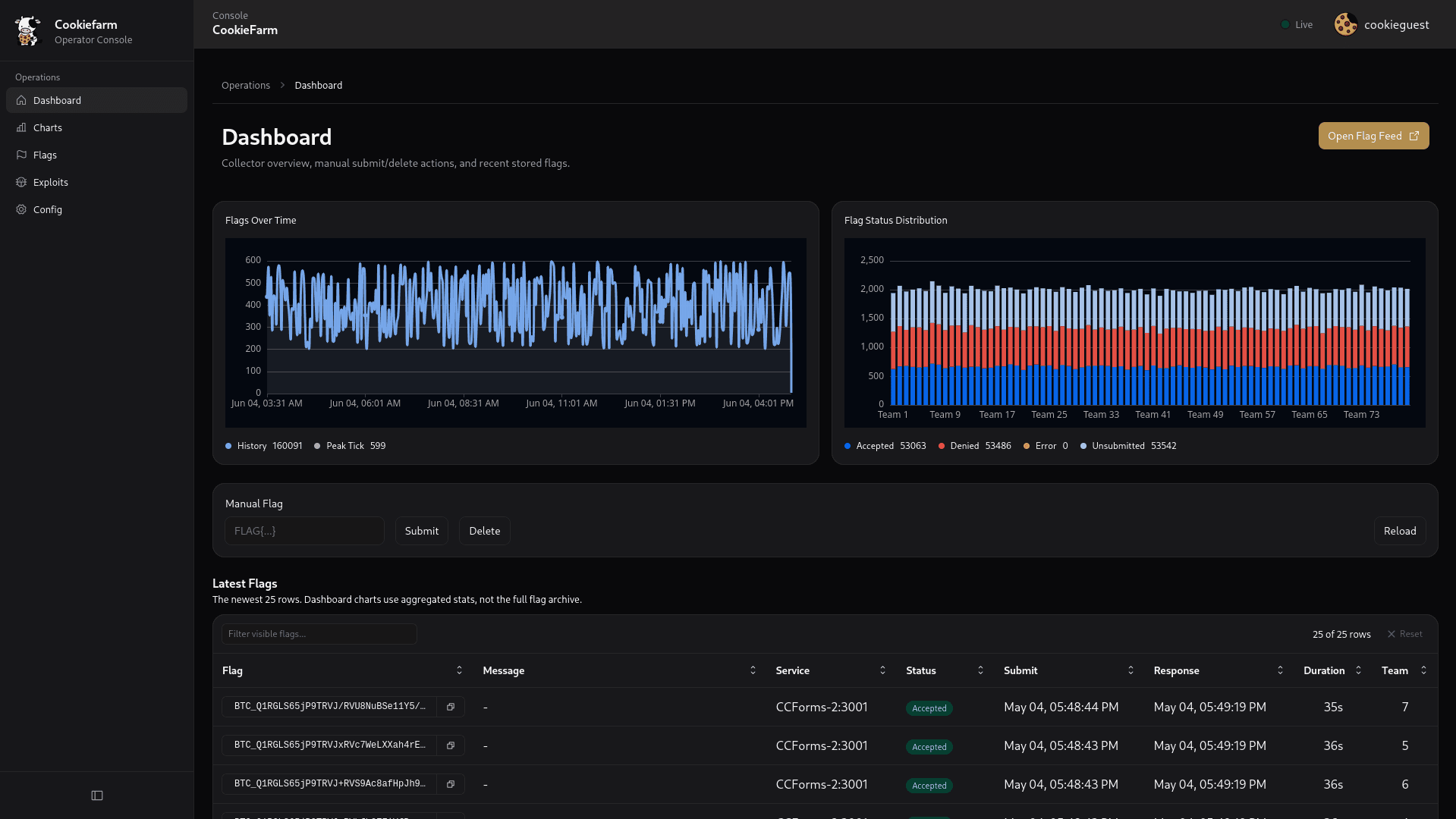
/): Collector overview, stats bar, manual flag submit/delete, and a quick look at the latest 25 flags. - Flags (
/flags): Comprehensive flag table with advanced filtering (by status, service, team, search), pagination, and adjustable rows-per-page. - Charts (
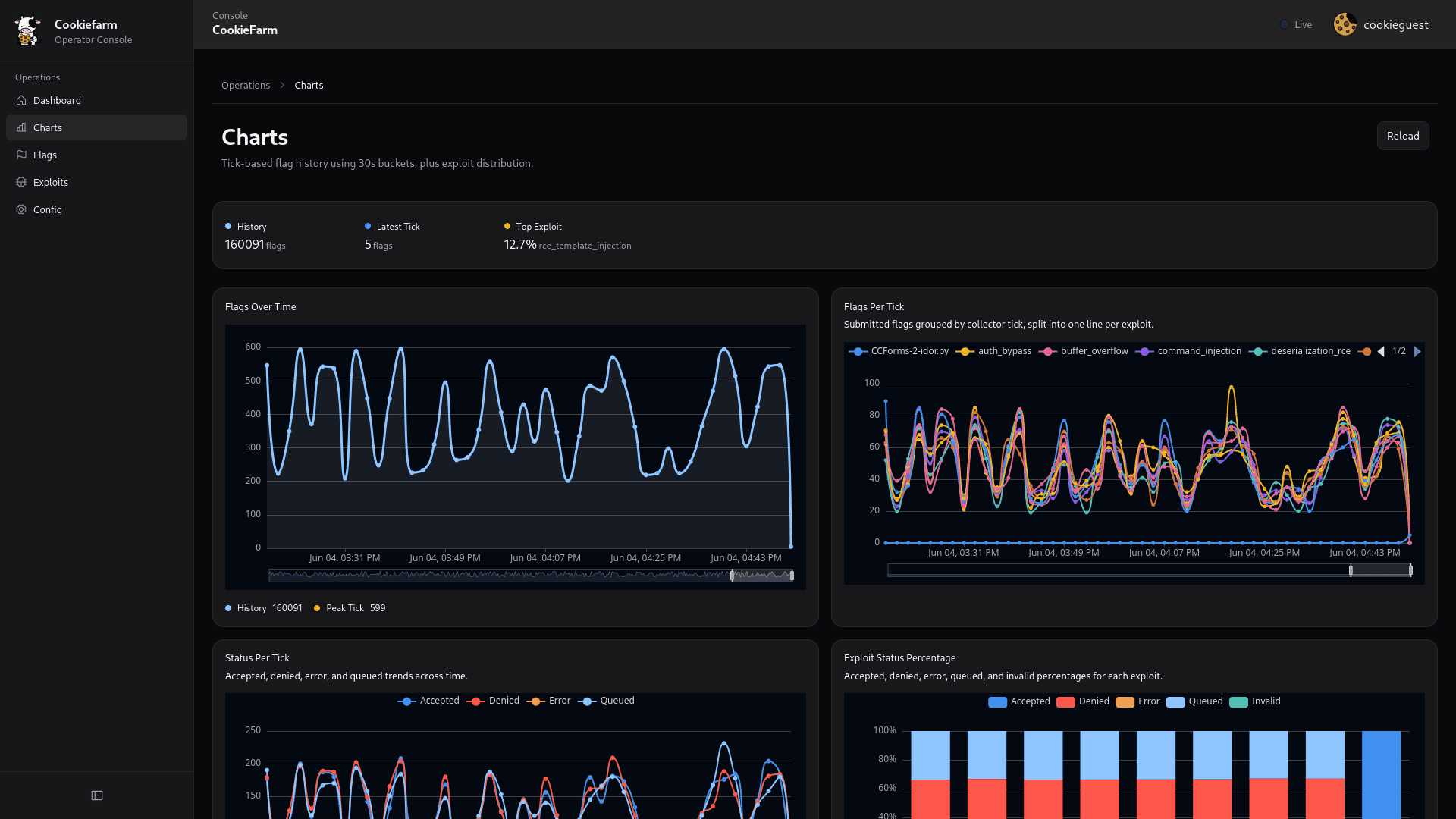
/charts): Visualizations and graphs summarizing flag statuses and submission performance. - Config (
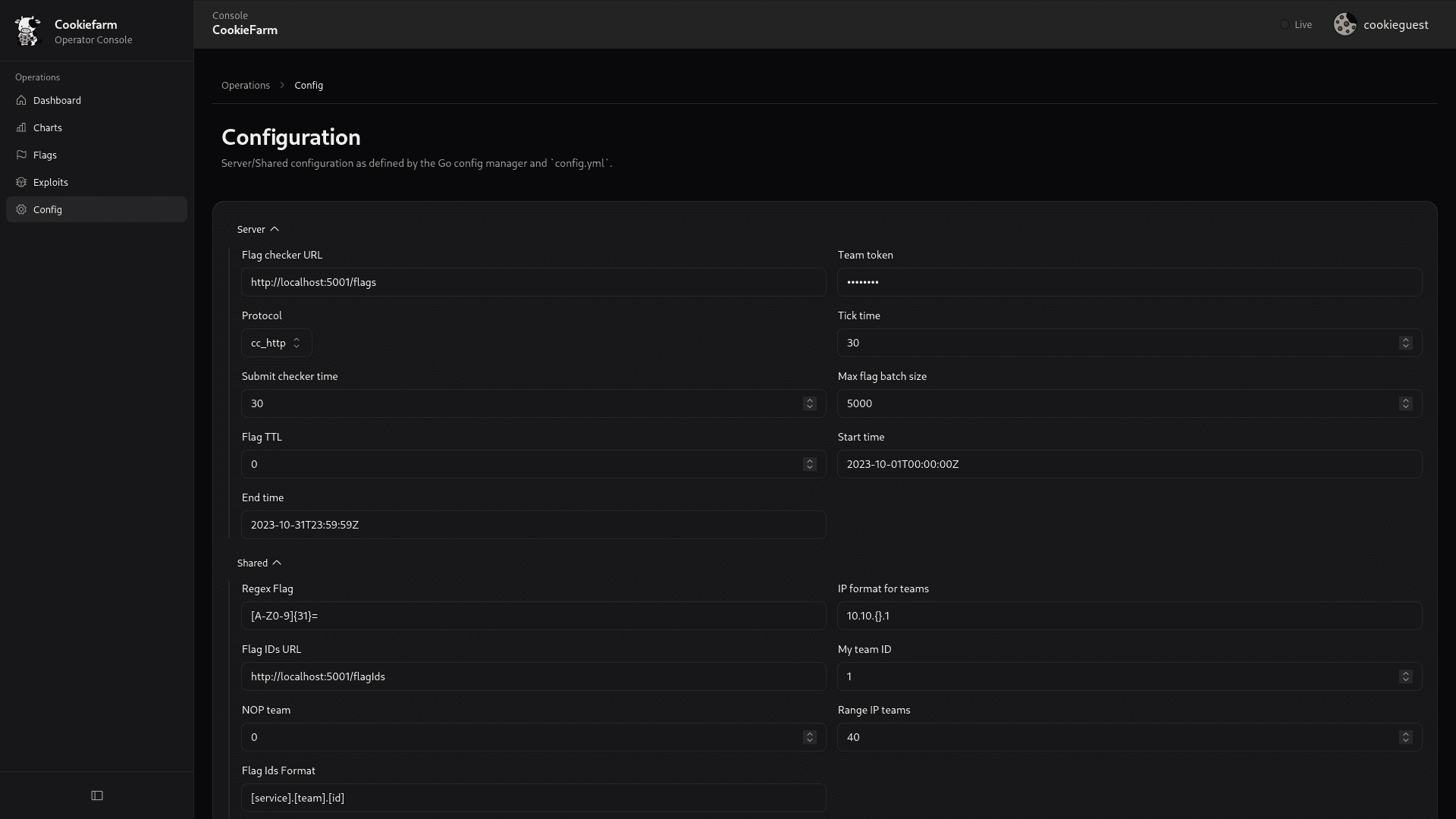
/config): A dedicated page for editing server and shared configuration parameters.
Main workflows
Monitor flags
Data is loaded seamlessly via the API. You can view recent flags directly on the Dashboard, or navigate to the Flags page for historical data and targeted filtering. Both pages support auto-reloading with configurable intervals (e.g., 5s, 10s, 1m, 2m).
Manual submit and delete
From the main Dashboard view:
- Type a flag in the "Manual Flag" input field.
- Click
Submitto queue the flag for processing (API call:POST /api/v1/submit-flag). - Click
Deleteto remove a specific invalid test flag (API call:DELETE /api/v1/delete-flag?flag=...).
Update config
- Navigate to the Config page (
/config). - Modify server parameters or shared client settings.
- Save the configuration (API call:
POST /api/v1/config).
Saving the config restarts the backend server loops and broadcasts the config event to connected clients over CKP.
How is this guide?